Aiji
AijiAijiasu V4.9 Stability Update Notes
Before chasing new features, nail stability first: that was the idea behind Aijiasu V4.9. This release ships no flashy features, only a batch of fixes for "connection jitter" and "occasional disconnects."
After V4.8, support received reports of jitter when switching networks (Wi-Fi to mobile data) and occasional disconnects on some Windows machines. V4.9 targets these annoying but hard-to-trace problems.
What Was Fixed
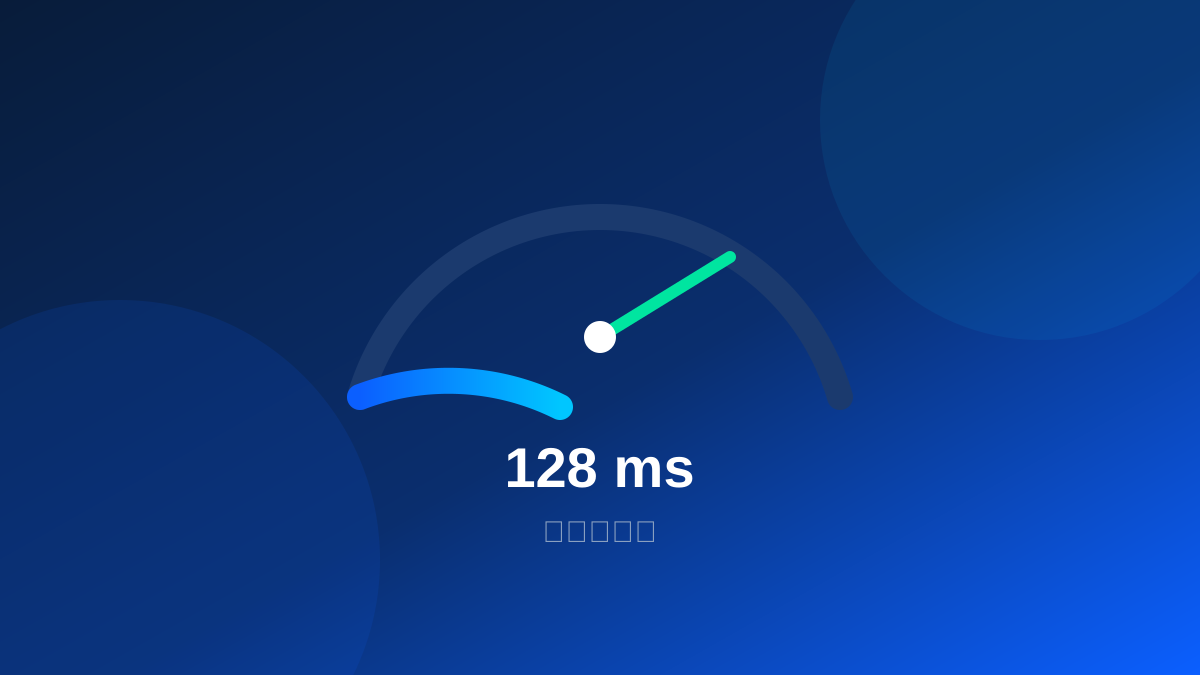
On network switches, the old client failed to rebuild heartbeats promptly, delaying tunnel state updates. V4.9 rewrote network-state monitoring to re-handshake within 300ms. The Windows disconnects traced to a third-party driver conflict with a system update, now avoided via a downgraded call path.
Bonus Optimizations
V4.9 also cut resident memory from 180MB to 120MB, about 33%, and changed auto-start so it no longer competes with critical system services at boot.
| Item | V4.8 | V4.9 |
|---|---|---|
| Switch reconnect | ~3s | 300ms |
| Resident memory | 180MB | 120MB |
| Disconnect reports | 1.8% | 0.4% |
Two weeks after release, Windows disconnect reports fell from 1.8% to 0.4%, and "can't connect after switching networks" tickets dropped 80%. Behind those numbers are users no longer interrupted.
If you are on an older version, upgrade now. Download Aijiasu for a more stable connection.
User Comments
No more drops when switching Wi-Fi to data, crucial fix.
Memory drop is noticeable on my old laptop.
Boot is faster now that auto-start doesn't fight services.